School & Tuition Centre Management Software Singapore | AOne

📱 Month: Free tablets for first 10 sign ups

Product Overview

Billing

Student Management

Teacher Management

Lesson Management

Schedule & Timetable

Finance Management

Replacement

Student Registration

Student Attendance

Not sure whether AOne suits you?

Consult your needs with us and let’s discuss how we can help you

Automated Billing

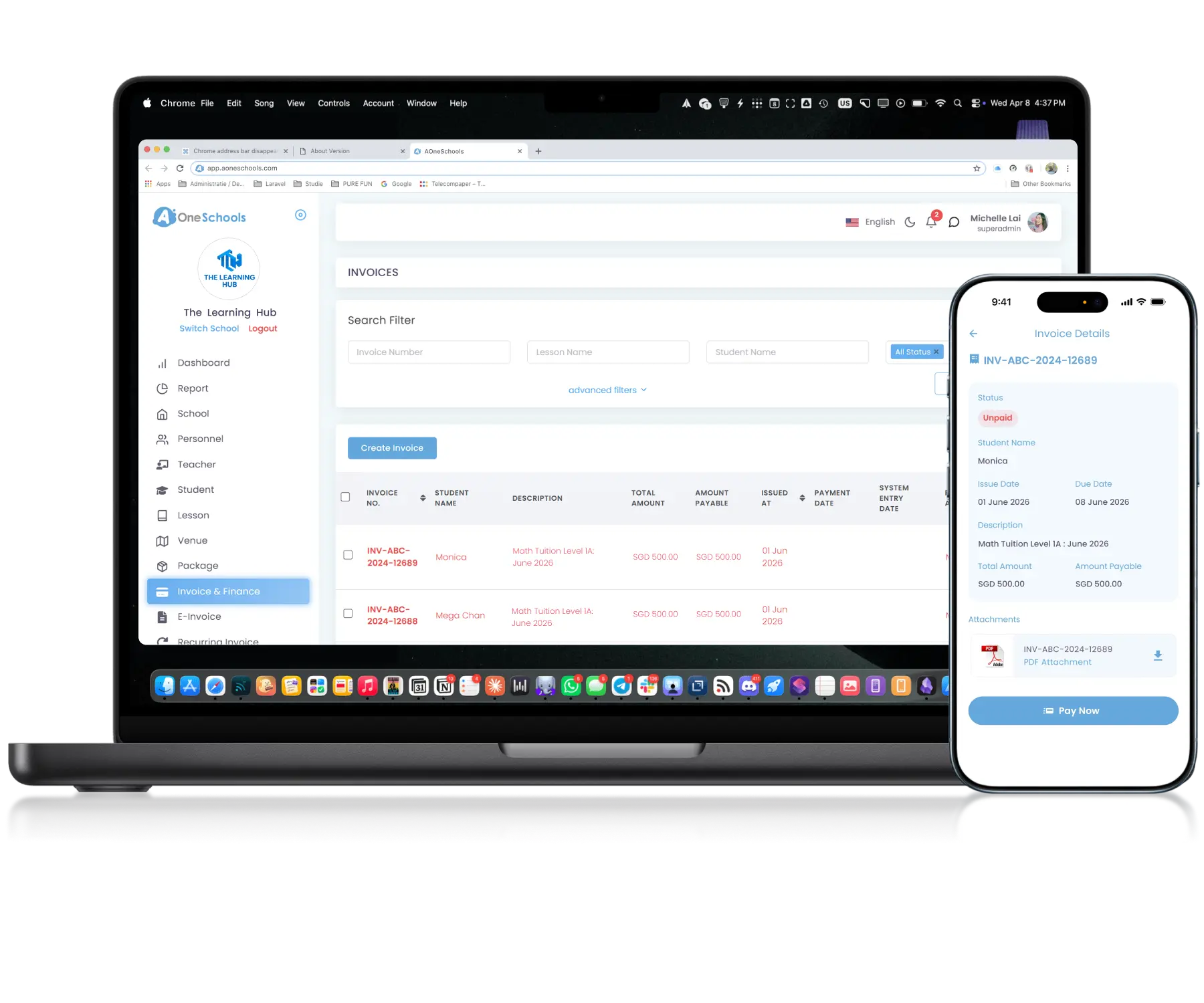
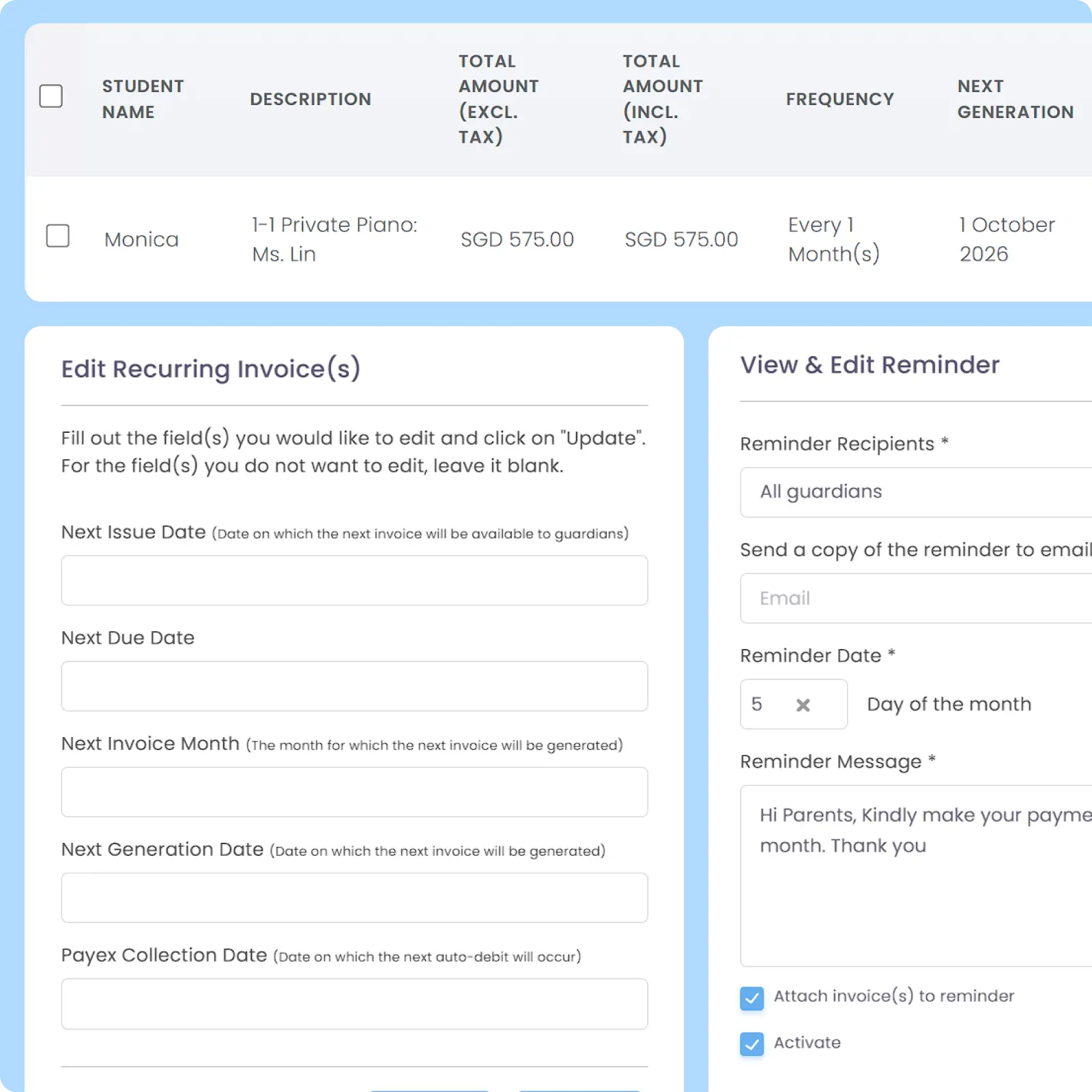
Automate invoices, receipts, and reminders to the right parents at the right time.
With AOne, customize everything to your schedule.

Fast • Adjustable • Reliable

Automate Billing, Improve Cash Flow

Customizable Invoice

Manage Invoices Around Your Workflow

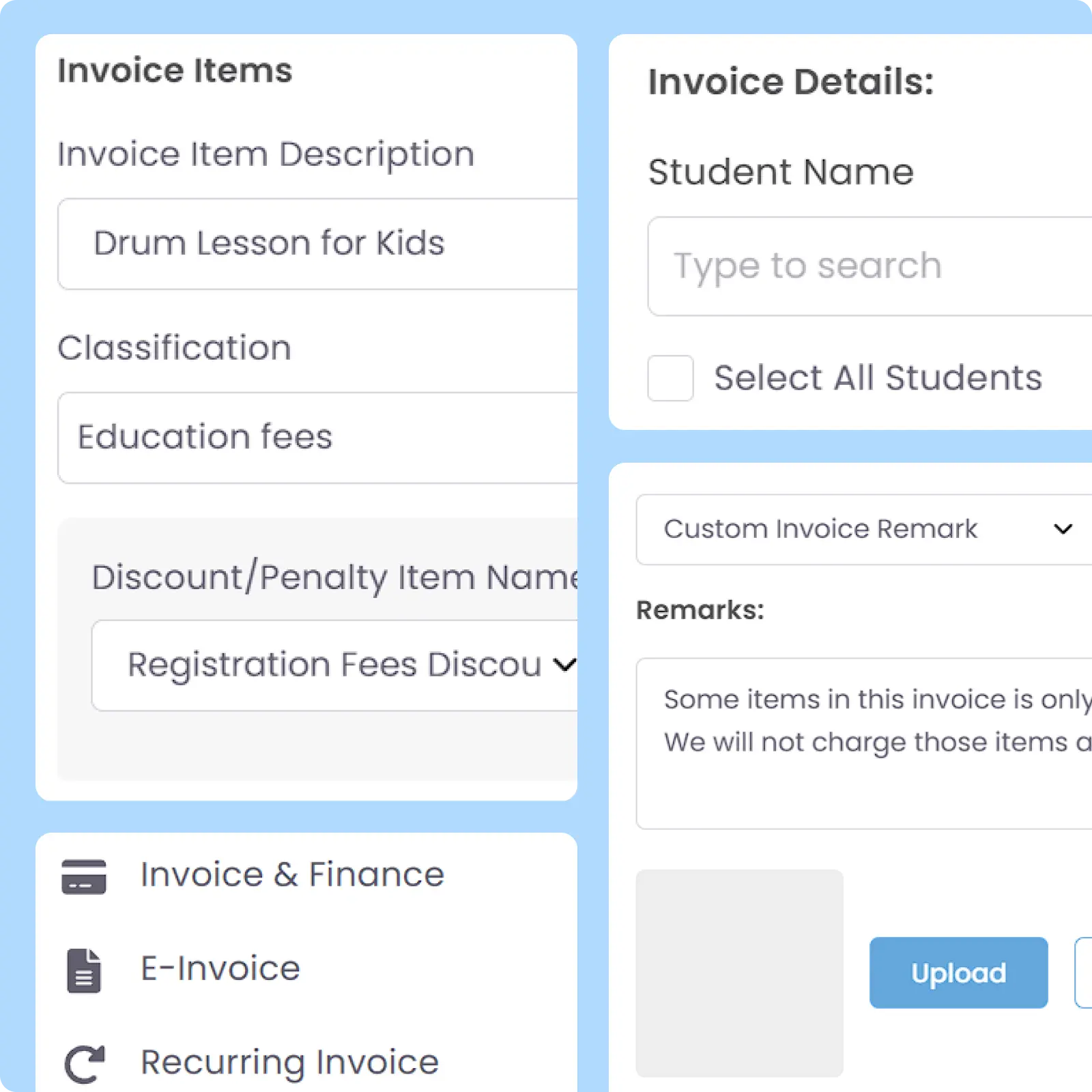
AOne invoice generation and management are tailored to your billing workflow, including adjustable invoice prefix numbers, custom fields, taxes, discounts, penalties, fee breakdowns, and more.

Detailed Record

Keep Billing History Organized

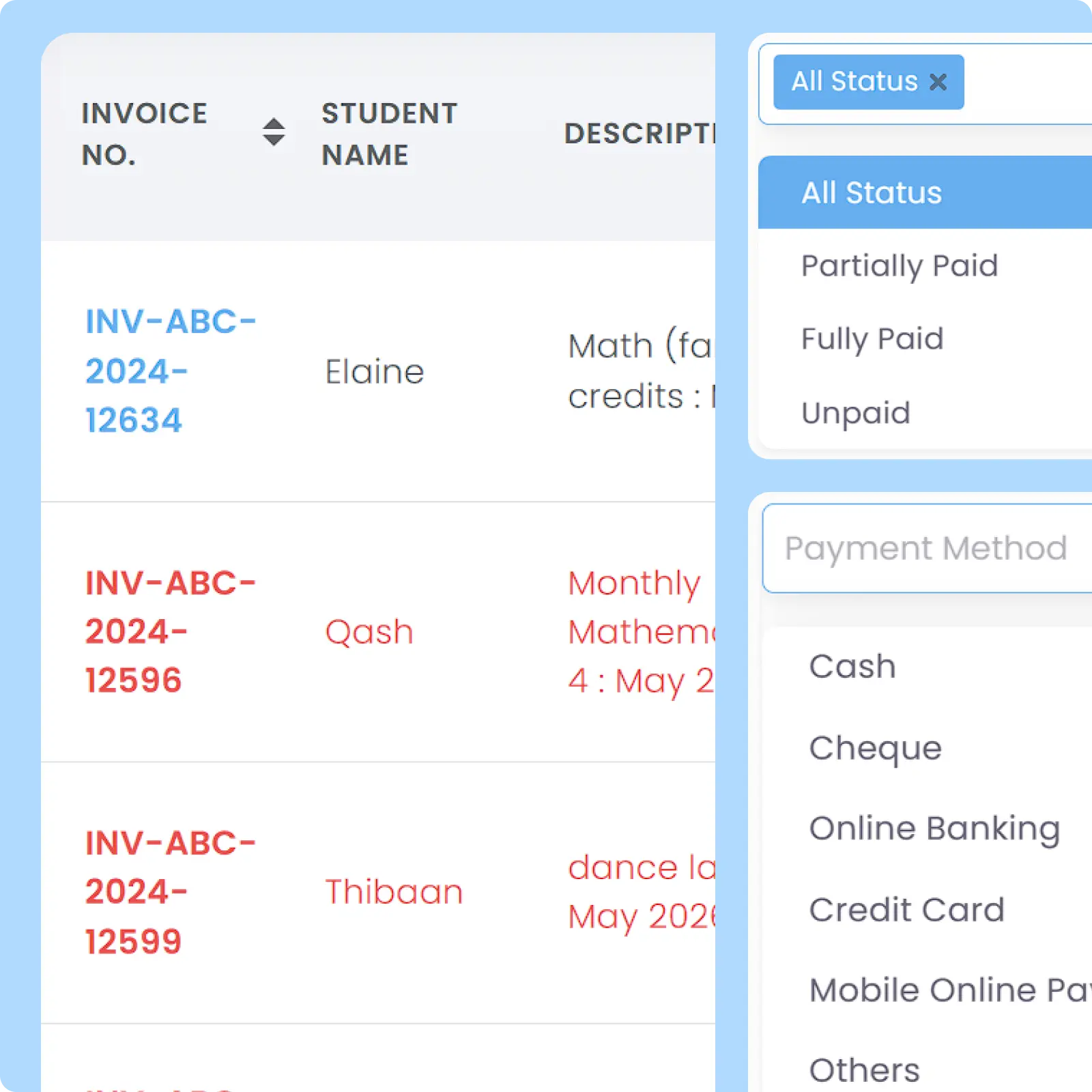
AOne provides comprehensive billing data management for invoices, receipts, credits, payment statuses, and transaction records with built-in search and filtering tools.

Auto-Generated Receipts

Automate Receipts After Every Payment

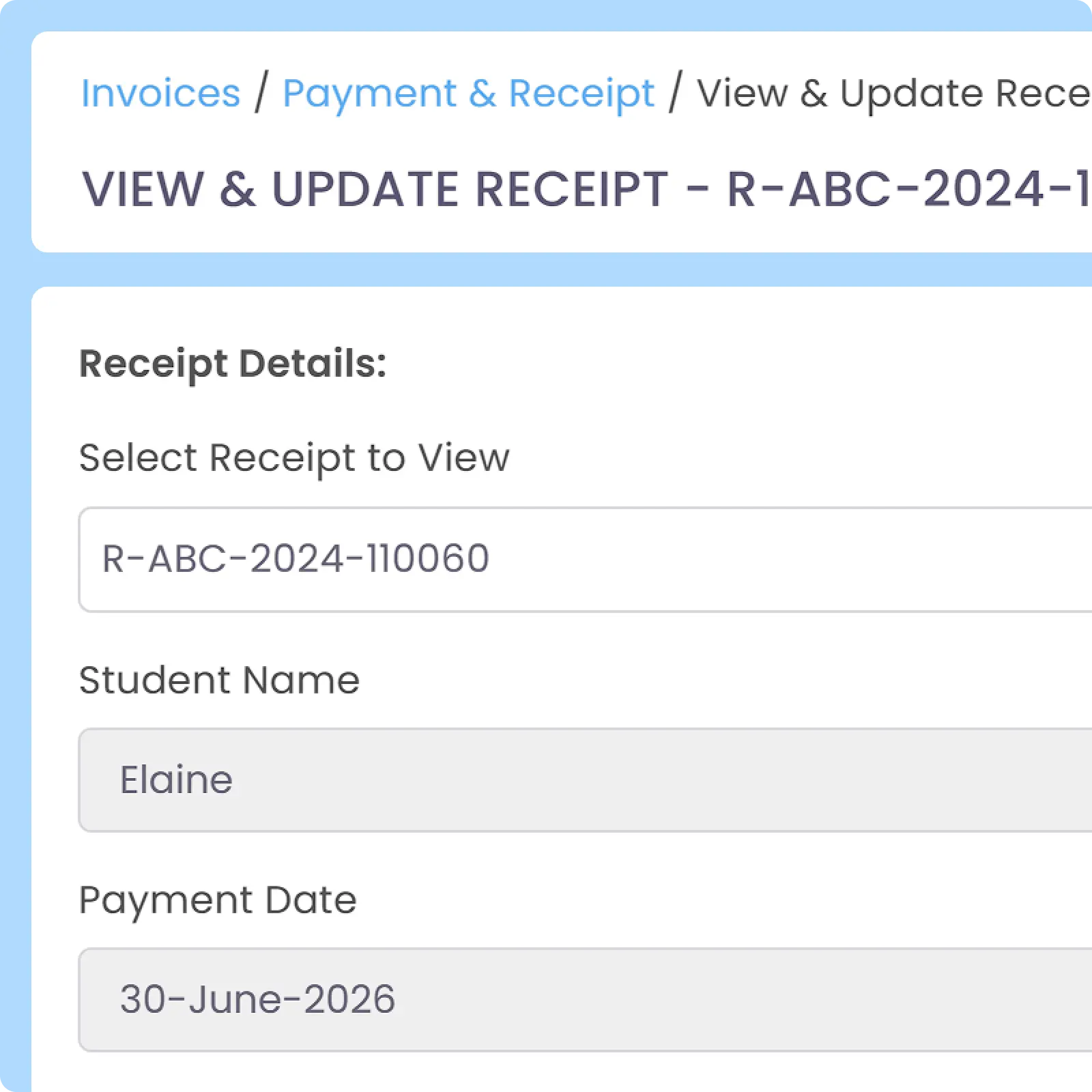
Automatically generate digital receipt every time payment has been recorded successfully. Unique receipt will be generated per paid invoice generated from Lesson, integrated Package, and Student, ensuring your billing records don’t get mixed up. With In-App Payment collection, generation and distribution are all automated.

Set & Automate Workflow

Automate End-to-End Billing

AOne automated billing workflows help manage invoices, receipts, reminders, payment statuses, and credit deductions with minimum manual work. In-App Payment feature on parents’ mobile app enables next-level, automatic payment confirmation and operational syncing.

Notification for Parents

Keep Parents Updated Automatically

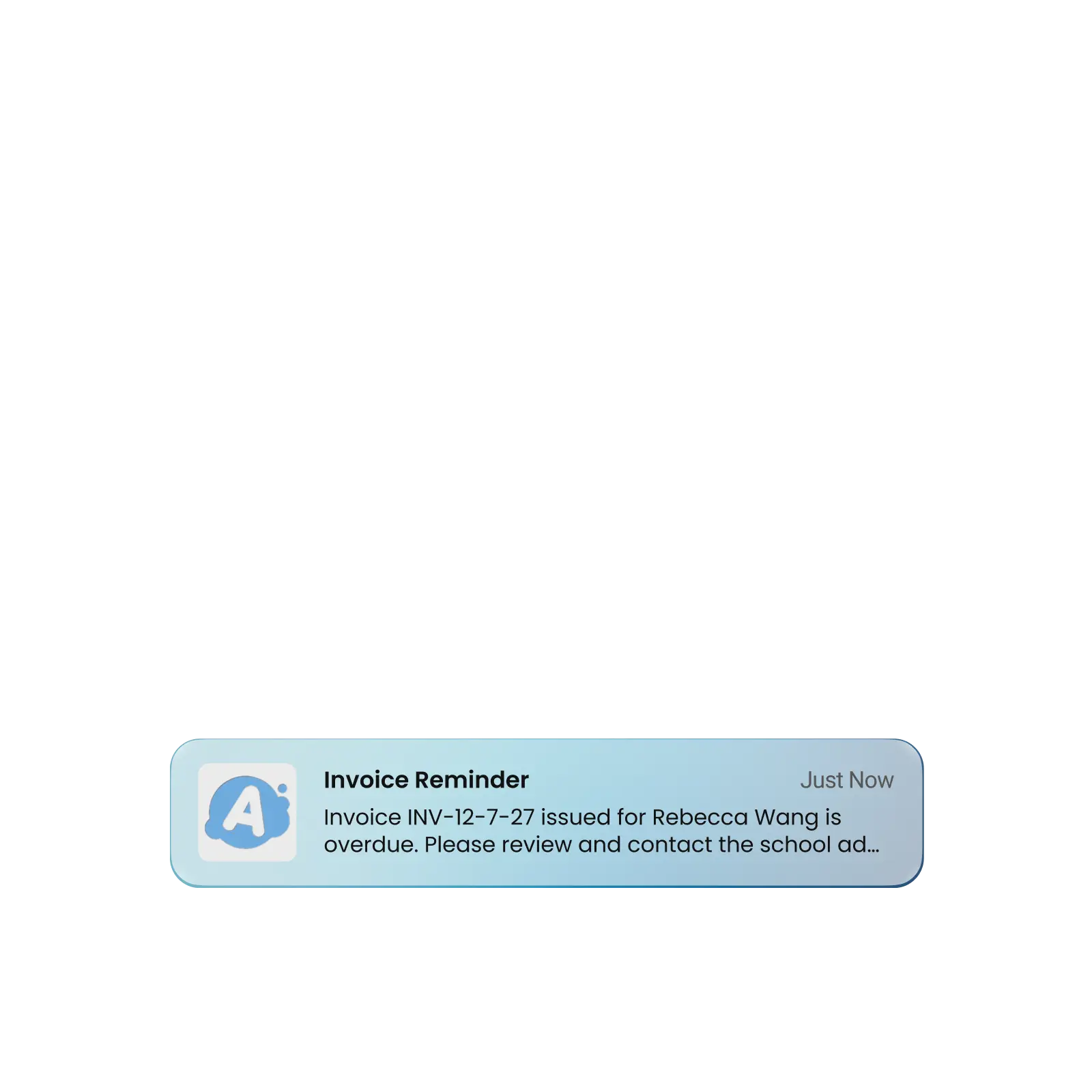
Keep parents informed about invoices, payment reminders, receipts, and outstanding balances through push, in-app, and email Notifications. Match notification delivery with your billing workflow and schedule by using automation.

Why Everyone loves
AOne Learning Centre Billing Automation

Healthier cashflow & increased on-time payment rate

Up to 5 hours everyday saved

Customizable automation for various scenario

and 4K+ other learning centres in Asia use AOne

Back then, we needed to order receipt books and there was a lot of paperwork daily, taking up a lot of our time.


After using AOne, it reduced our workload and is also environmental friendly because we no longer need to purchase a receipt book. We can issue receipts, and guardian students can check their invoices and receipts through the app.

Jenny
Founder of Jenzstyle Studio

Easier billing starts today

Let’s have a quick chat to go through how your billing works and explore practical ways to save time and reduce manual work.

Frequently Asked Questions

What can I automate in my financial operations using AOne?

With AOne, you can automate almost every part of your learning centre’s financial operations: from generating invoices and receipts to sending them and following up with reminders.

You can also schedule exactly when they’re sent each month. Simply set it up once, and AOne takes care of the rest automatically.

Enabling In-App Payment takes automation even further. Payments can be recorded automatically, so you don’t have to collect and log fees one by one.

Yes. You can send and automate invoicing to all parents or just specific parents only.

As for adjustment, the feasibility of changes that you want to make depends on the type of invoice (standard and recurring) and the type of adjustment (one-time or all) themselves.

For a standard invoice, given that it is not recurring, an adjustment is one-time only and can be made by directly editing the targeted invoice. You can add an invoice item or adjust anything in the said invoice before it is sent. It is recommended to set the invoice generation date earlier than the invoice issue date, so you have the necessary time to edit the invoice before it is issued to parents.

Click the image to enlarge it

Meanwhile, for recurring invoice, you cannot do a one-time adjustment as any adjustment made will be applied to all subsequent generations.

Any update to the invoice will be informed to parents and shown as Invoice Updated to ensure transparency and information accuracy.

Adjustments, however, will no longer be feasible if one of the following conditions has been met:

  • Any payment has been recorded (partial or full)
  • Invoice has a pending payment (parent has previously tried to pay the invoice, but payment status hasn’t synced or payment has failed)
  • A credit note has been generated for said invoice

Under this situation, the system will prevent you from making any edit to the invoice.

Click the image to enlarge it

Yes, AOne supports various billing logic that caters to different centre’s billing strategy.

AOne supports five Flexible Pricing Scheme, including recurring fixed monthly billing and one-off payments. You can also manage complex recurring scenarios like combo packages for multiple lessons.

The system even adjusts recurring billing automatically based on the actual number of classes in a month. This keeps your financial records accurate without manual calculations for 4-week or 5-week months.

Yes, AOne is designed to handle billing changes seamlessly, such as adjustment for additional charges, price changes, or billing scheduling changes.

Admins can quickly update lesson packages for existing students without having to rebuild configurations from scratch. This allows for fast and seamless mid-term policy or pricing changes.

Click the image to enlarge it

AOne maintains a detailed historical log for every student, showing invoices, receipts, and outstanding balances. The system automatically updates payment statuses whenever parents pay through the app, reducing administrative workload.

You can even see which students have outstanding payments while taking Attendance, allowing for immediate reminders. This eliminates the hassle of checking every invoice and receipt manually.

Click the image to enlarge it

Move faster with AOne features

Student Management

All student data, organized and manageable in one place

Teacher Management

All teacher data, organized and manageable in one place

Lesson Management

All your lesson data, organized and manageable in one place

Schedule & Timetable

Clear schedules for every lesson for teachers and students

Finance Management

Track revenue, payment status, and performance in one place

Replacement

Manage teacher and class replacements effortlessly

Student Registration

Simple, digitized registration flow from form to student profile

Attendance

Real-time attendance with real-time parents notifications

In-app messaging

Chat features for seamless communication with staff and parents