School & Tuition Centre Management Software Singapore | AOne

Consult your needs with us and let’s discuss how we can help you
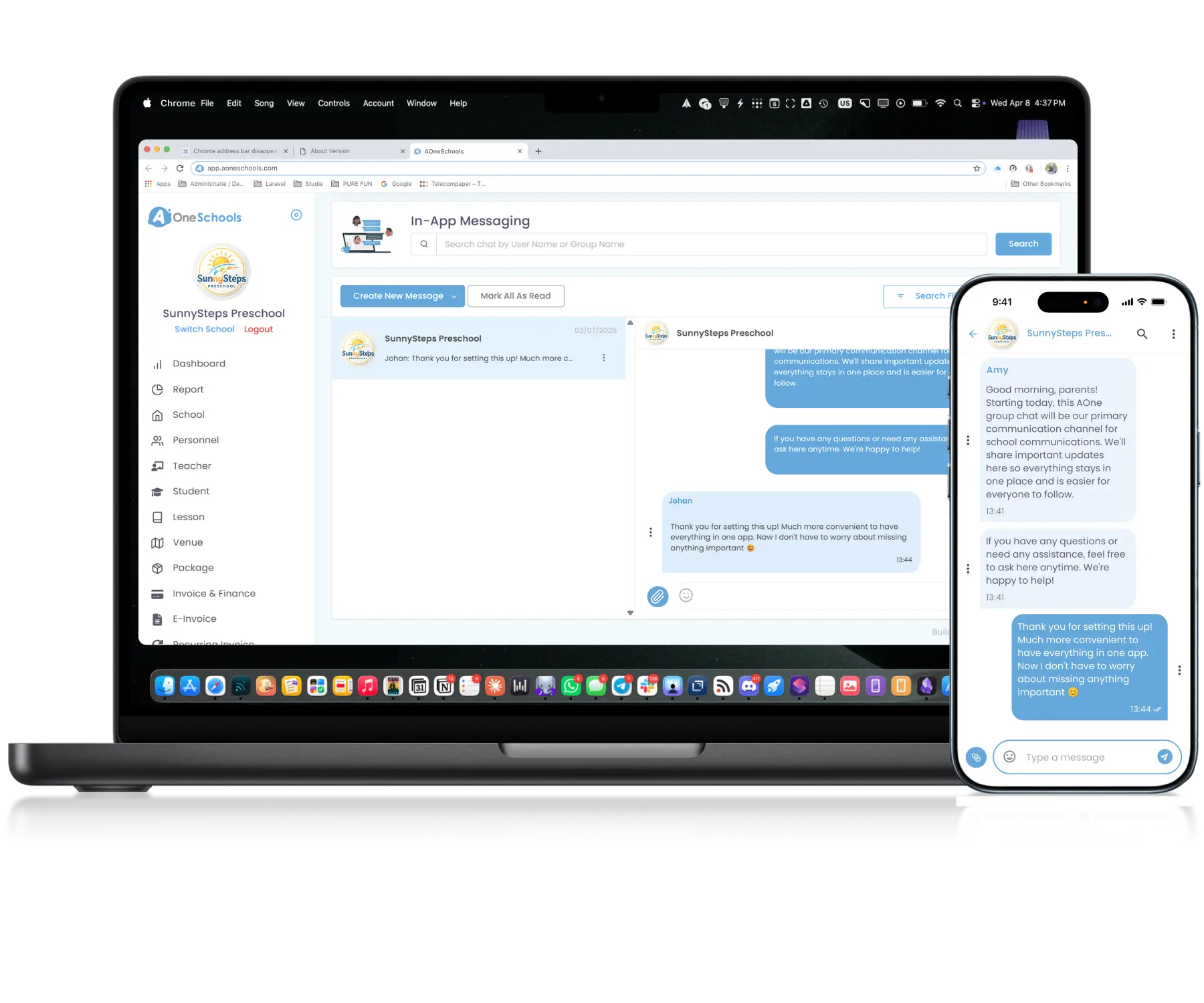
Chat where the work happens. Bring everyone together
through real-time messaging built for daily collaboration.
Instant • Integrated • Familiar
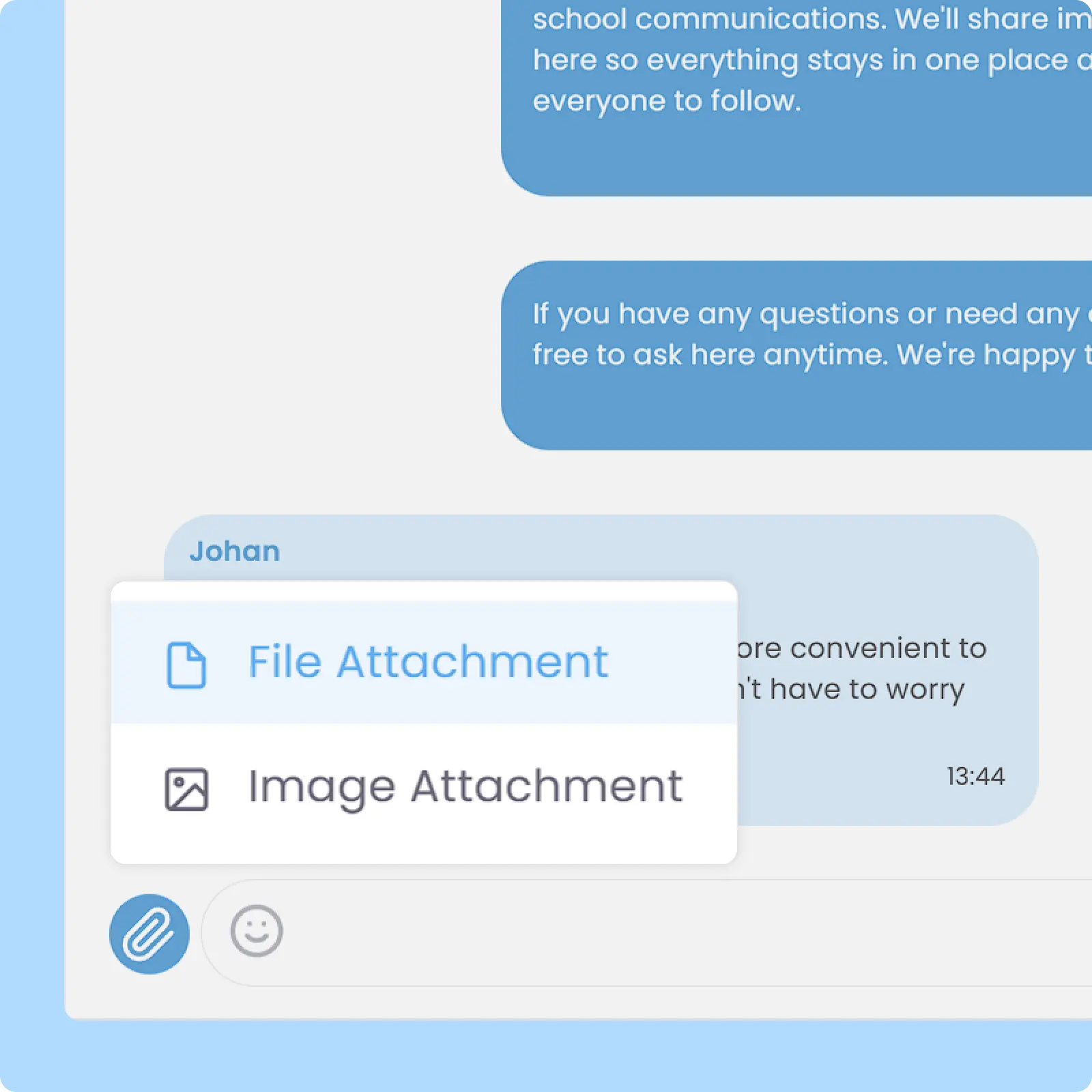
Attach documents such as PDF, Excel, Word, and PowerPoint files, as well as photos and videos, directly within chat conversations for faster and more convenient information sharing. All shared attachments remain accessible within the chat history for future reference.
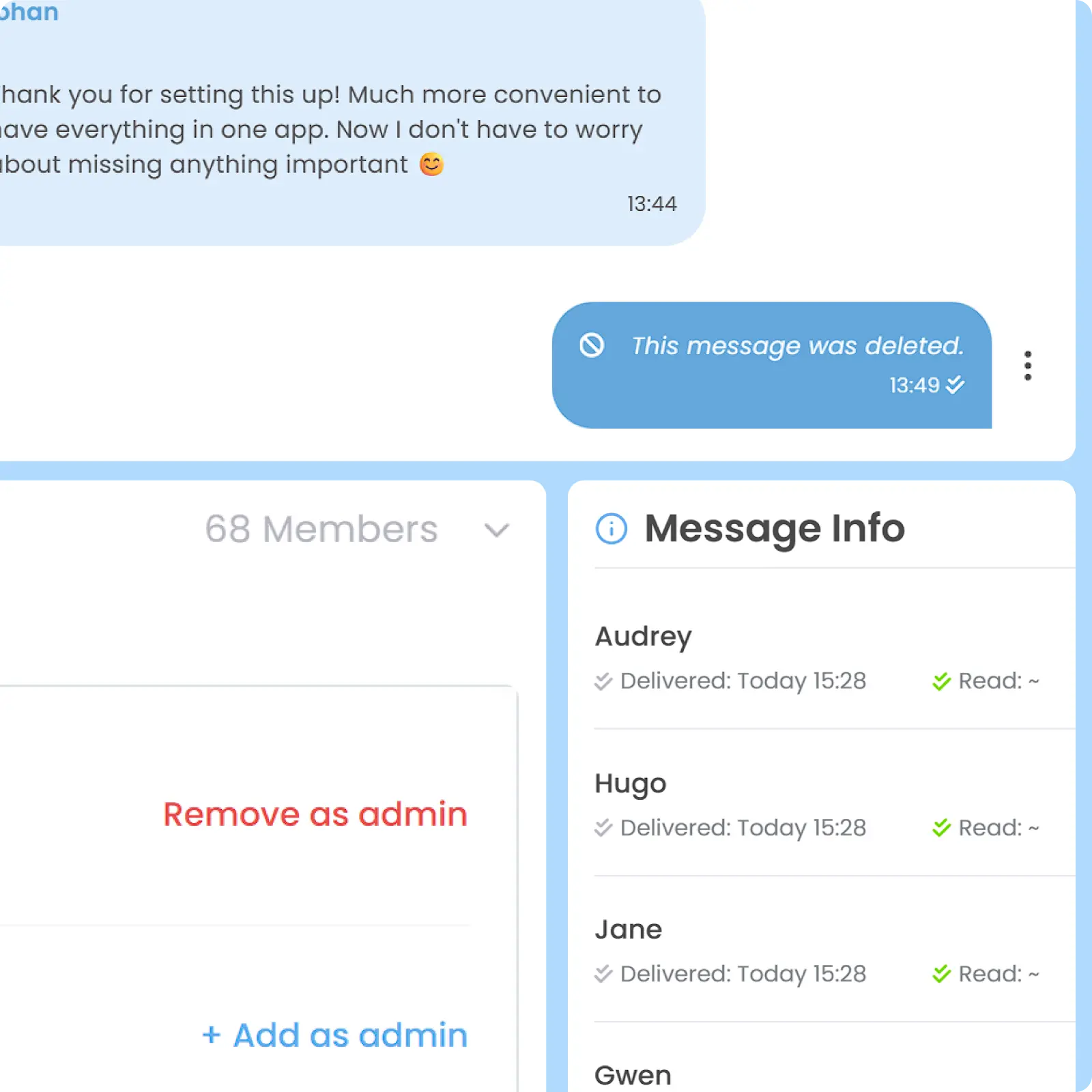
Search conversations and messages, assign group chat admin, clear chat history, or leave group conversations when needed. Within each chat, you can delete messages sent by mistake, reply to a specific message for better context, and track who has viewed your messages.
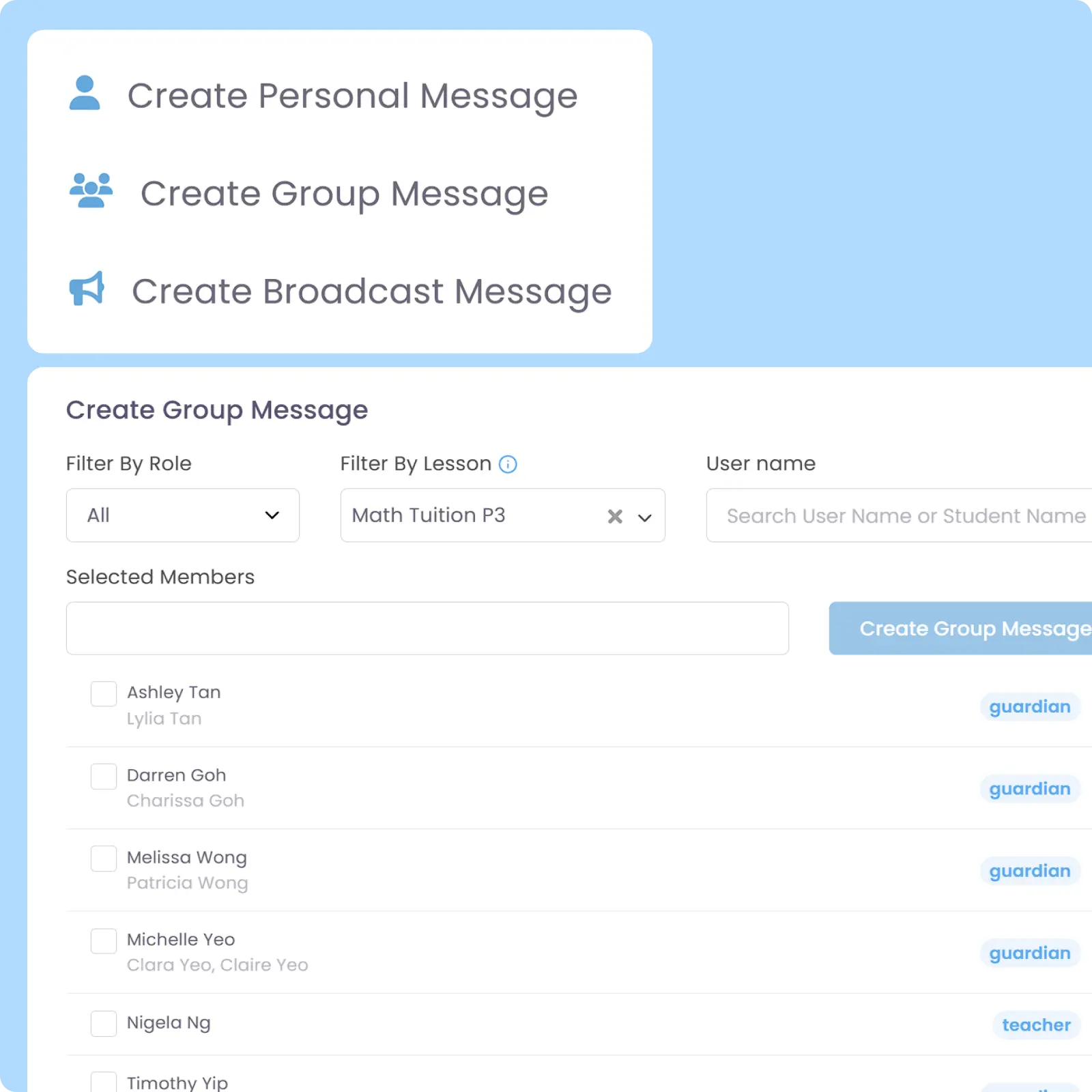
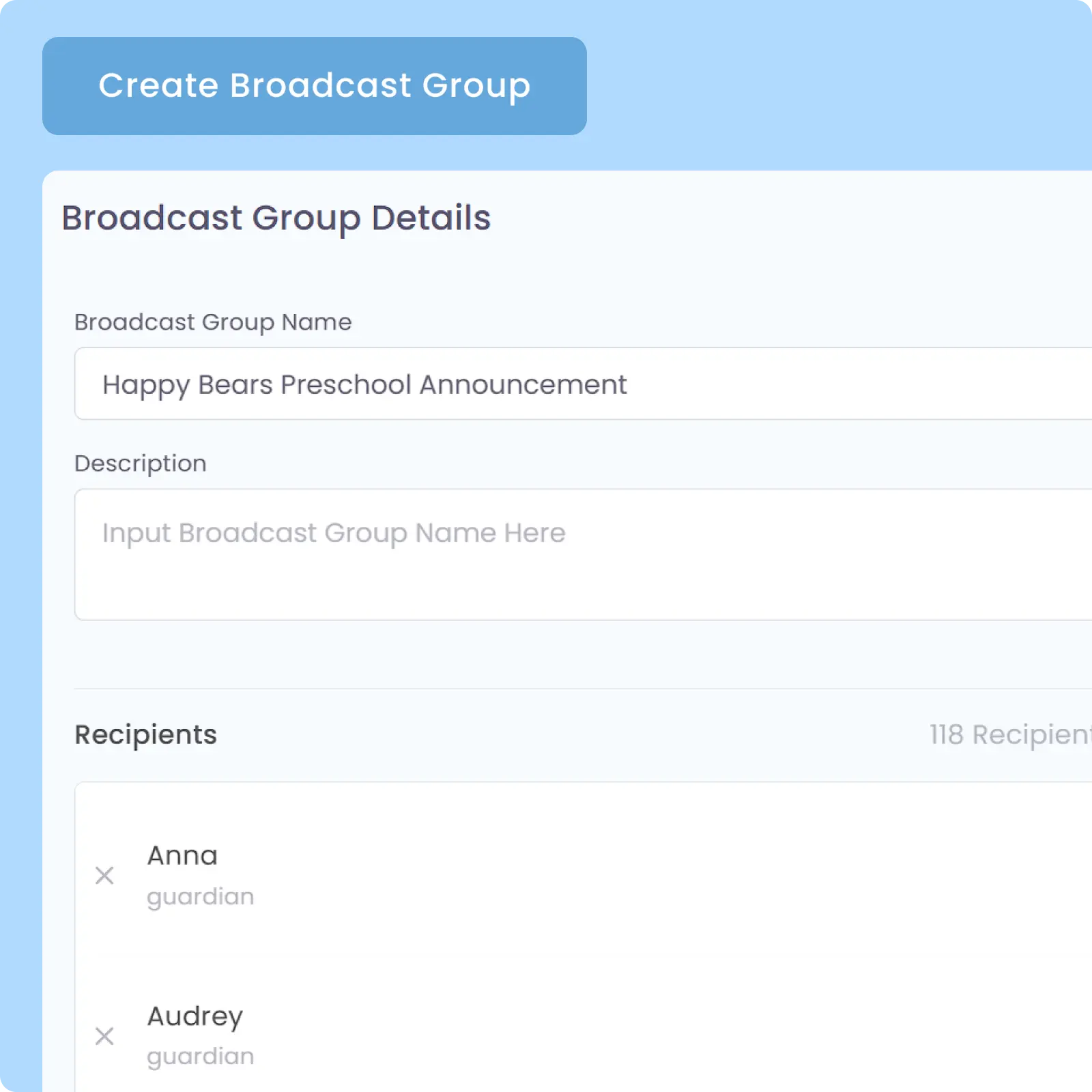
Send one-way broadcast messages to selected users or groups without creating a group chat. Ideal for announcements, reminders, urgent updates, and operational communications that do not require replies.
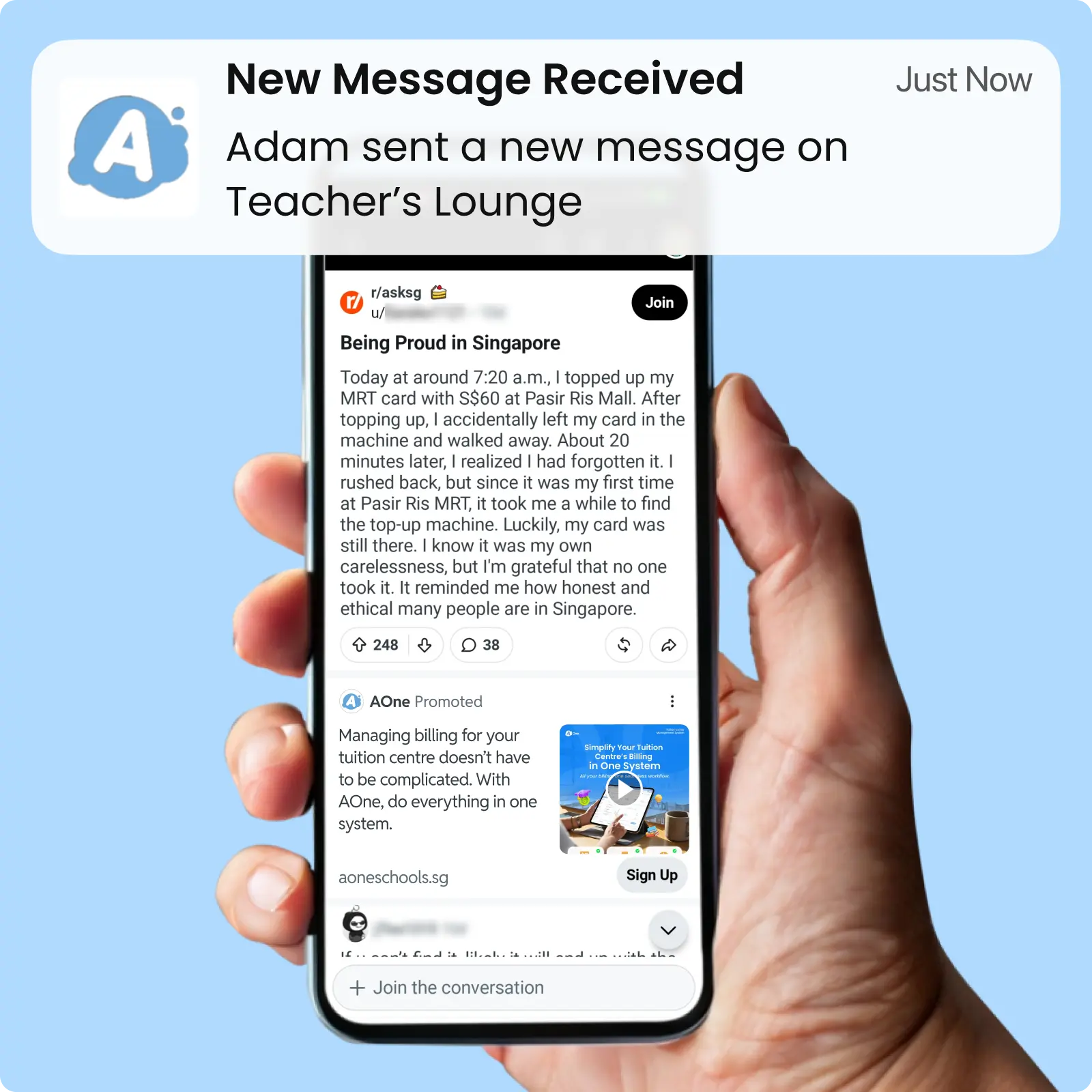
All chat participants are instantly notified whenever a new message is sent, helping ensure important information is seen promptly and reducing the risk of missed communications.
Back then, we needed to order receipt books and there was a lot of paperwork daily, taking up a lot of our time.
After using AOne, it reduced our workload and is also environmental friendly because we no longer need to purchase a receipt book. We can issue receipts, and guardian students can check their invoices and receipts through the app.
Work feels easier when conversations are part of the workflow. Keep discussions, decisions, and actions together in one app.
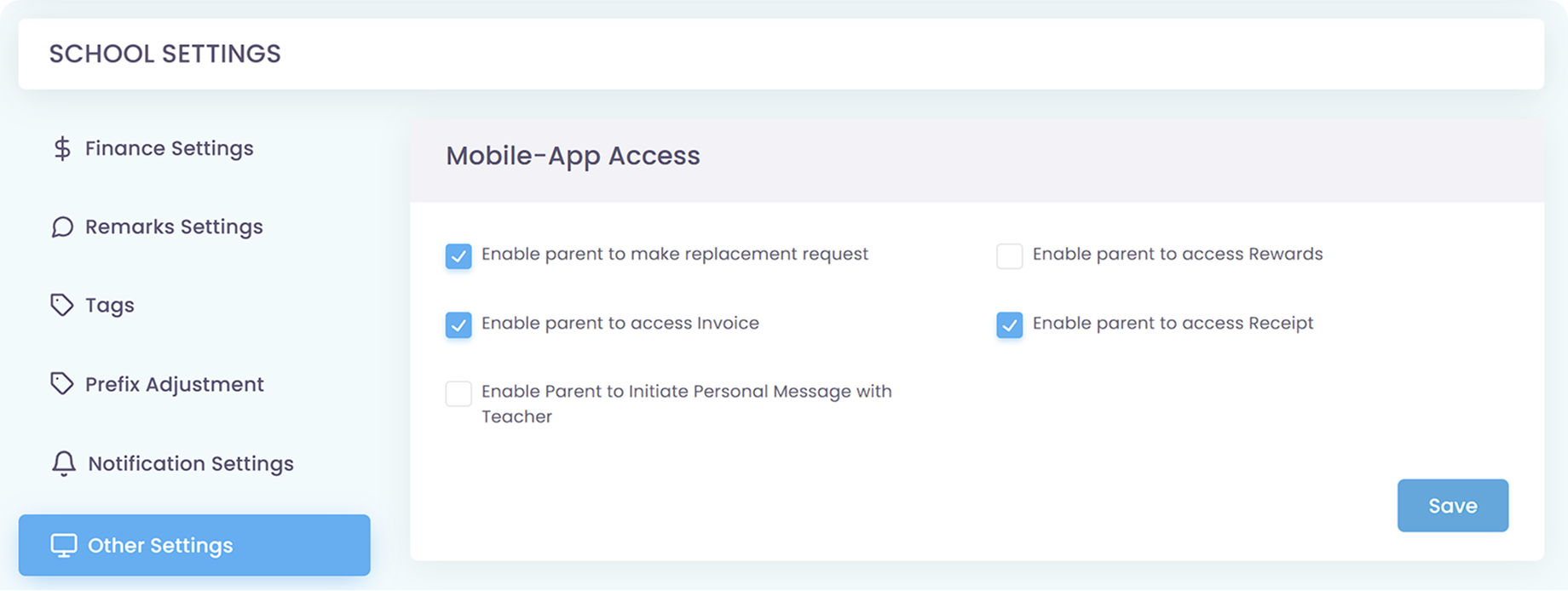
You can control the access and permissions for who can initiate a new chat via the Role & Permission feature. You can further limit the permissions to be able to engage with existing chats only by preventing certain roles or personnel from creating a new chat.
To ease up communication between parents and you, parents by default can initiate a chat with any Superadmin, Admin, and Teacher in your centre. However, to prevent unwanted parent-initiated chat with a teacher, you can remove permissions for parents to initiate a chat with a teacher, so they can only start a new chat with Superadmin and Admin.
No, contact information is not accessible via the in-app messaging module, so teachers and parents cannot see personal information and contacts of each other. Keep in mind that a teacher can see parent info and contact details via the Student Management module if they have access to it. If you want to revoke this, you can limit it in the Permission module.
Yes, but visibility is limited to group chats they are actively part of due to privacy reasons. This means private individual chats remain hidden. If you want to keep tabs on communication, you can establish a workflow where all chats should include a certain admin and limit the permission to create a new chat for unwanted roles in the Permission module.
The chat history is kept as is in their account history, allowing users to see the historical data of the chats if reactivated, provided the other chat participant’s accounts are still active. However, once a chat has passed a certain period of time, its history will be removed. This is the same as active accounts.
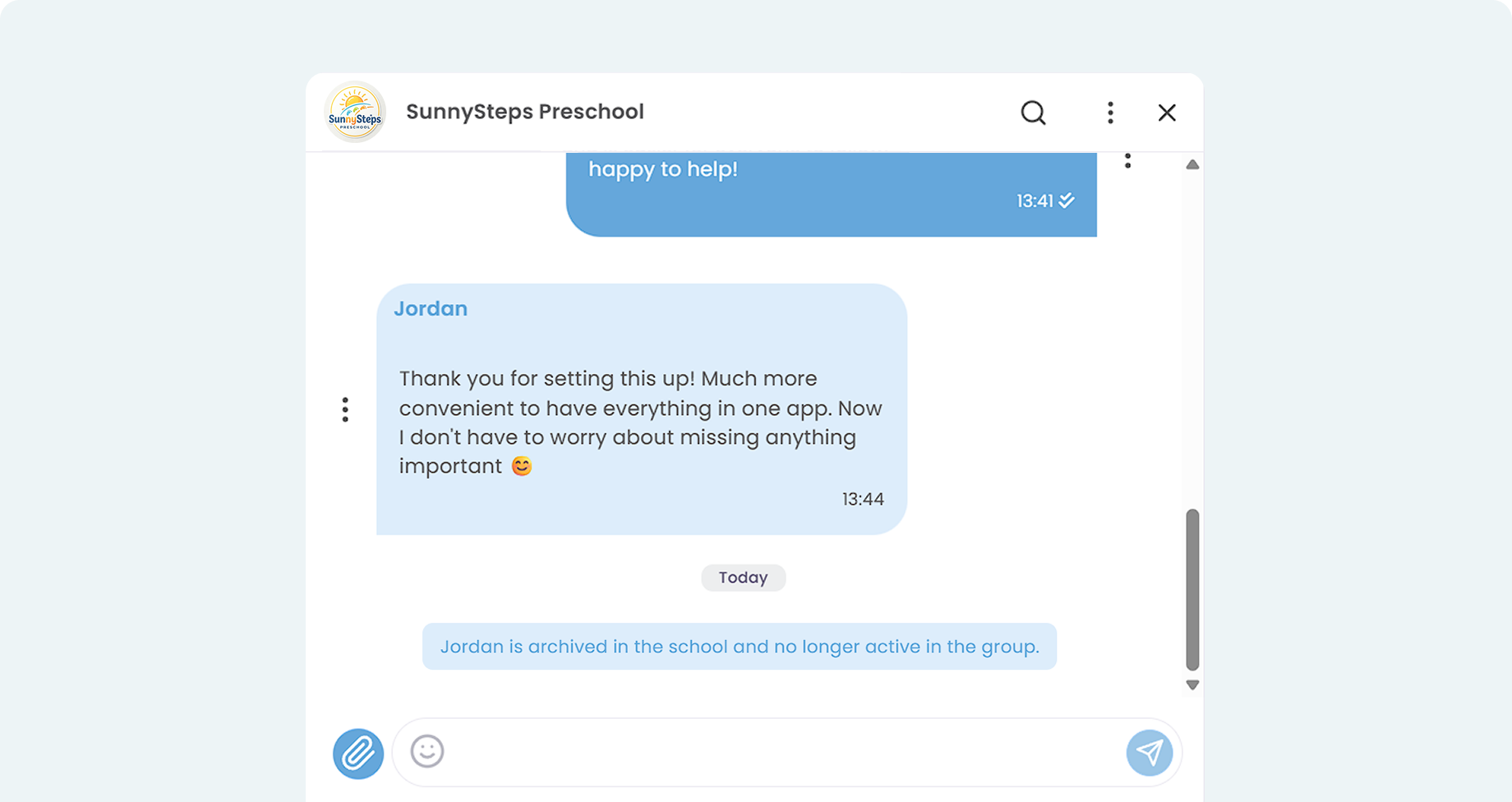
Once a user loses account access to AOne or is Archived, they are automatically removed from any chat they’re in. If they’re in a group, the group will remain active if it still has other active participants. If they’re the admin of a group chat, their admin authority will be revoked.
Parents cannot do this because the block feature is not available in the system, though parents can delete a chat or exit a group they are in. However, taking those actions doesn’t prevent a new chat initiated by the same person to that parent from beginning.
We designed this setup to ensure that parents always receive all important info regarding the learning centre in a swift manner.
With that said, please be mindful and do not abuse the communication feature by sending illegal content, spamming, or performing any illegal activities as it might result in account termination.
Invoices, tracking, reminders, and receipts: Automated
All student data, organized and manageable in one place
All teacher data, organized and manageable in one place
All your lesson data, organized and manageable in one place
Clear schedules for every lesson for teachers and students
Track revenue, payment status, and performance in one place
Manage teacher and class replacements effortlessly
Simple, digitized registration flow from form to student profile
Real-time attendance with real-time parents notifications