School & Tuition Centre Management Software Singapore | AOne

📱 Month: Free tablets for first 10 sign ups

Product Overview

Billing

Student Management

Teacher Management

Lesson Management

Schedule & Timetable

Finance Management

Replacement

Student Registration

Student Attendance

Not sure whether AOne suits you?

Consult your needs with us and let’s discuss how we can help you

Student Progress

Share learning updates that parents can access anytime through the AOne app.
Build stronger relationships with parents through transparency.

Transparent • Connected • Meaningful

Send 100+ reports within 10 seconds

Notification for Parents

Keep Parents Updated on Their Children’s Progress

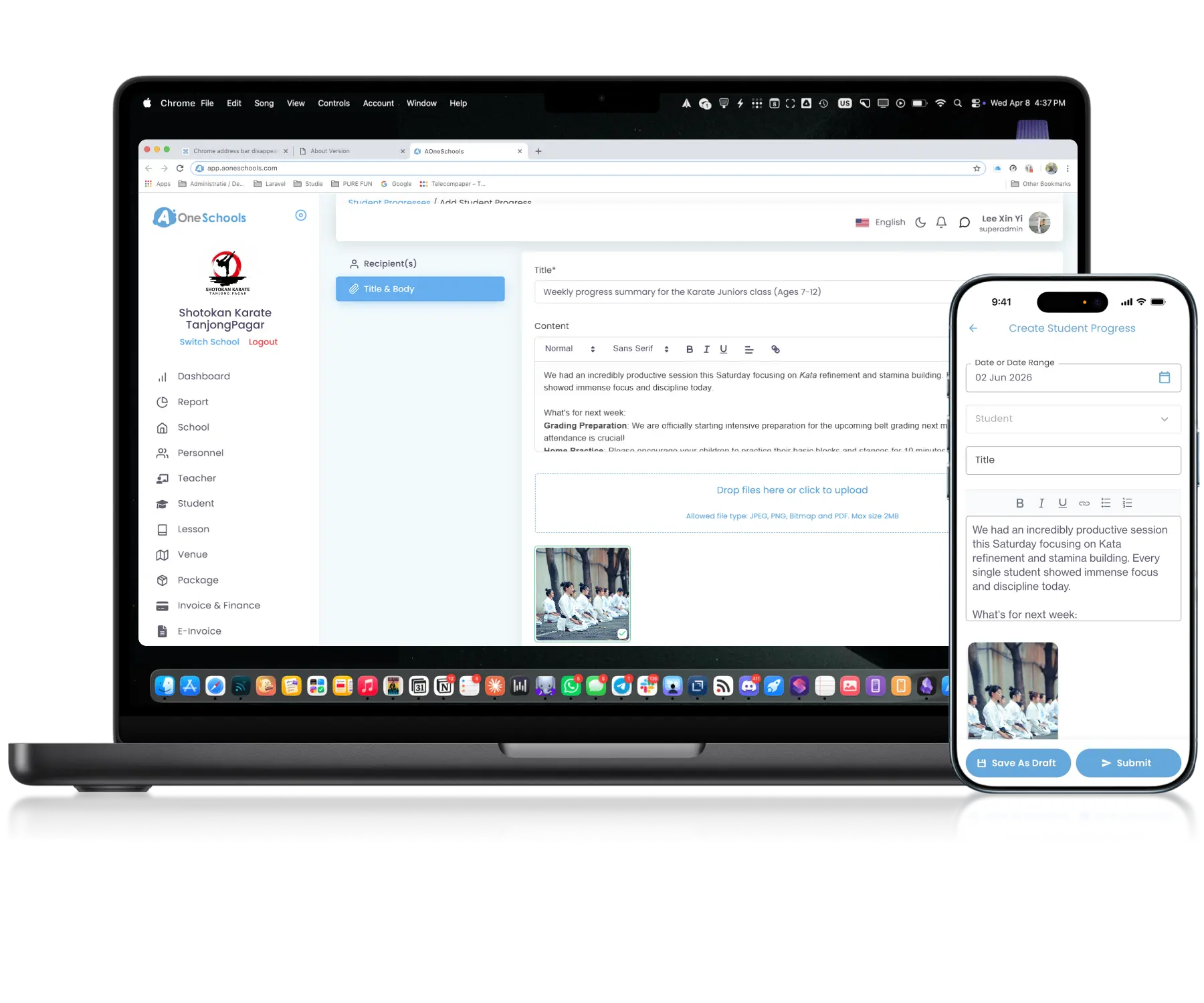
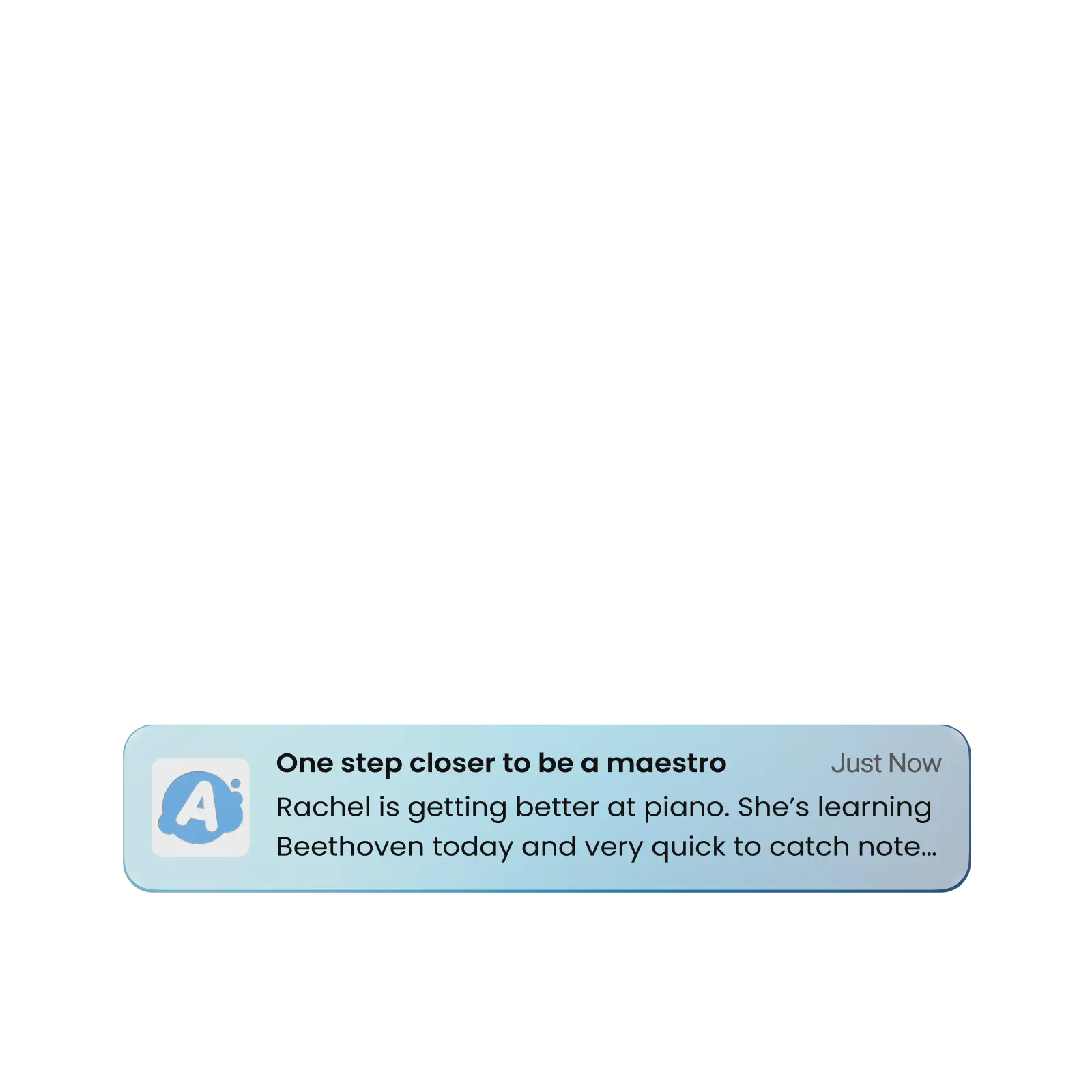
Authorized roles can send student progress reports directly to parents during or after the attended lessons, delivered through push and in-app Notifications. All progress report history is stored within the parent’s account.

Attachments

Add Supporting Files to Progress Updates

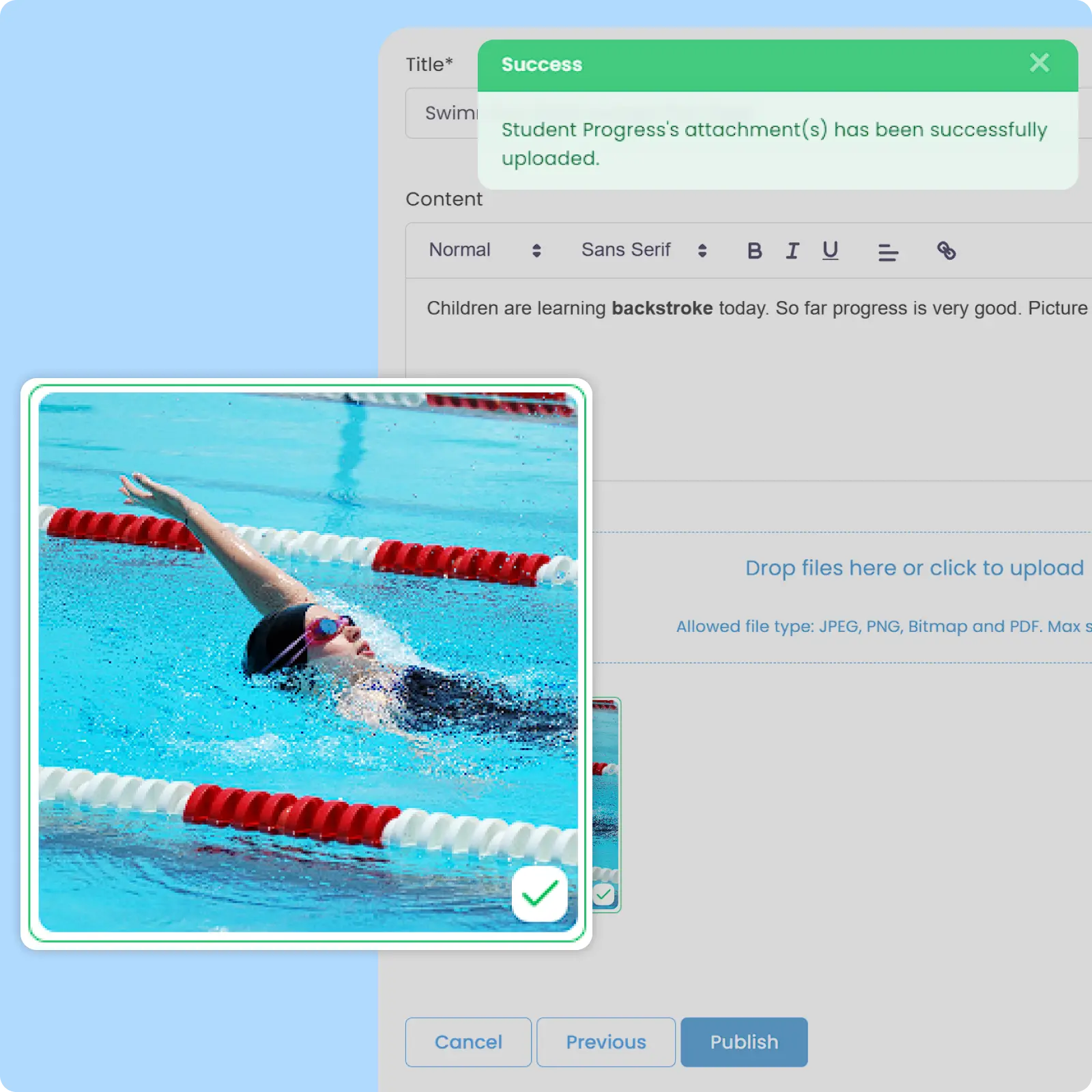
Authorized Roles can attach PDFs and photos to student progress updates for additional context and clearer communication with parents. This helps build a more meaningful relationship with parents as they are closely informed on their children’s learning journey.

Draft & Approval

Keep Parent Communication Reviewed and Controlled

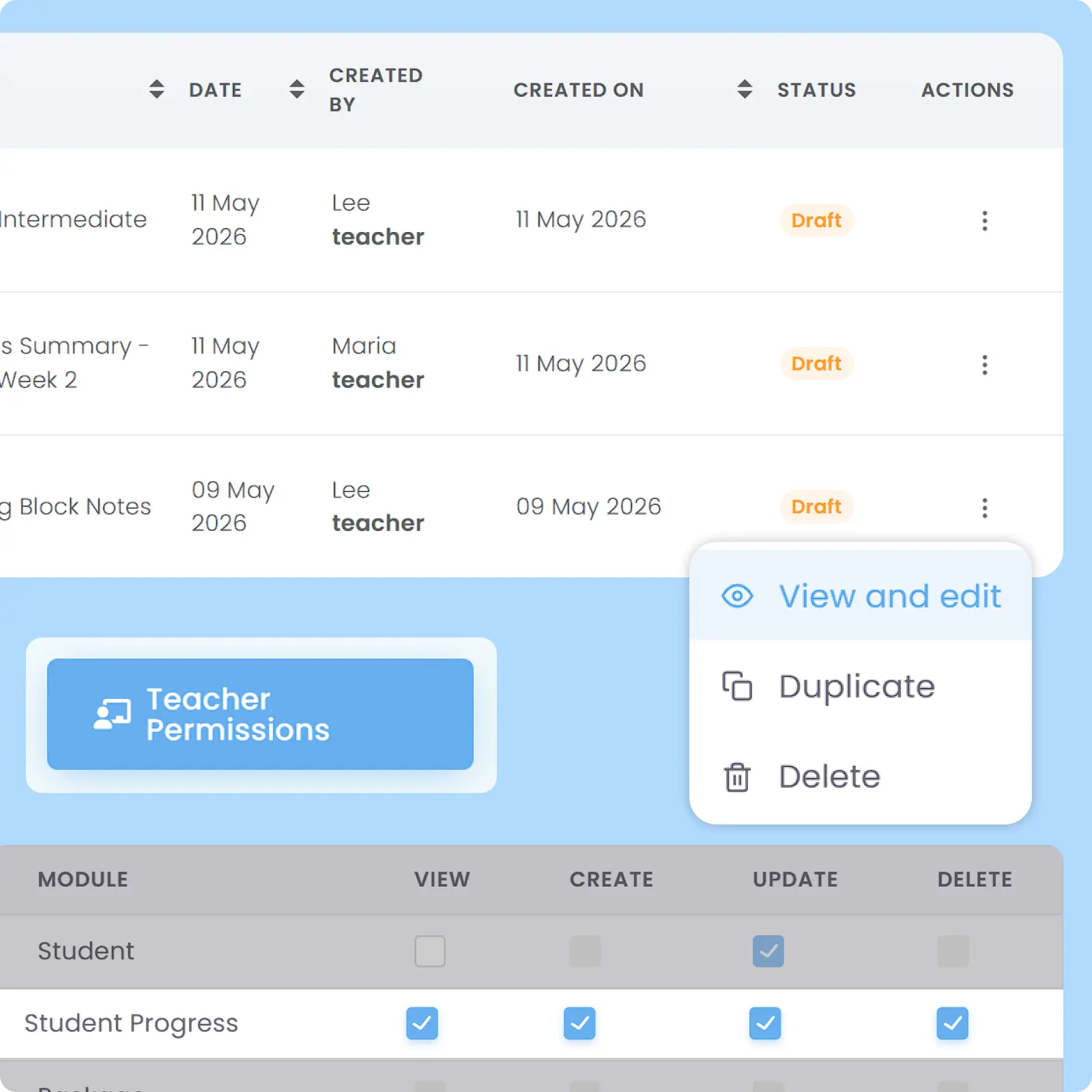
Teachers can prepare draft progress reports while Admins and Superadmins retains the ability to review, edit, and approve before sending. Built to support operational accountability and communication accuracy and adjustable in the Role & Permission module.

Bulk Student Progress

Send 1 Update to 1,000+ Parents at Once

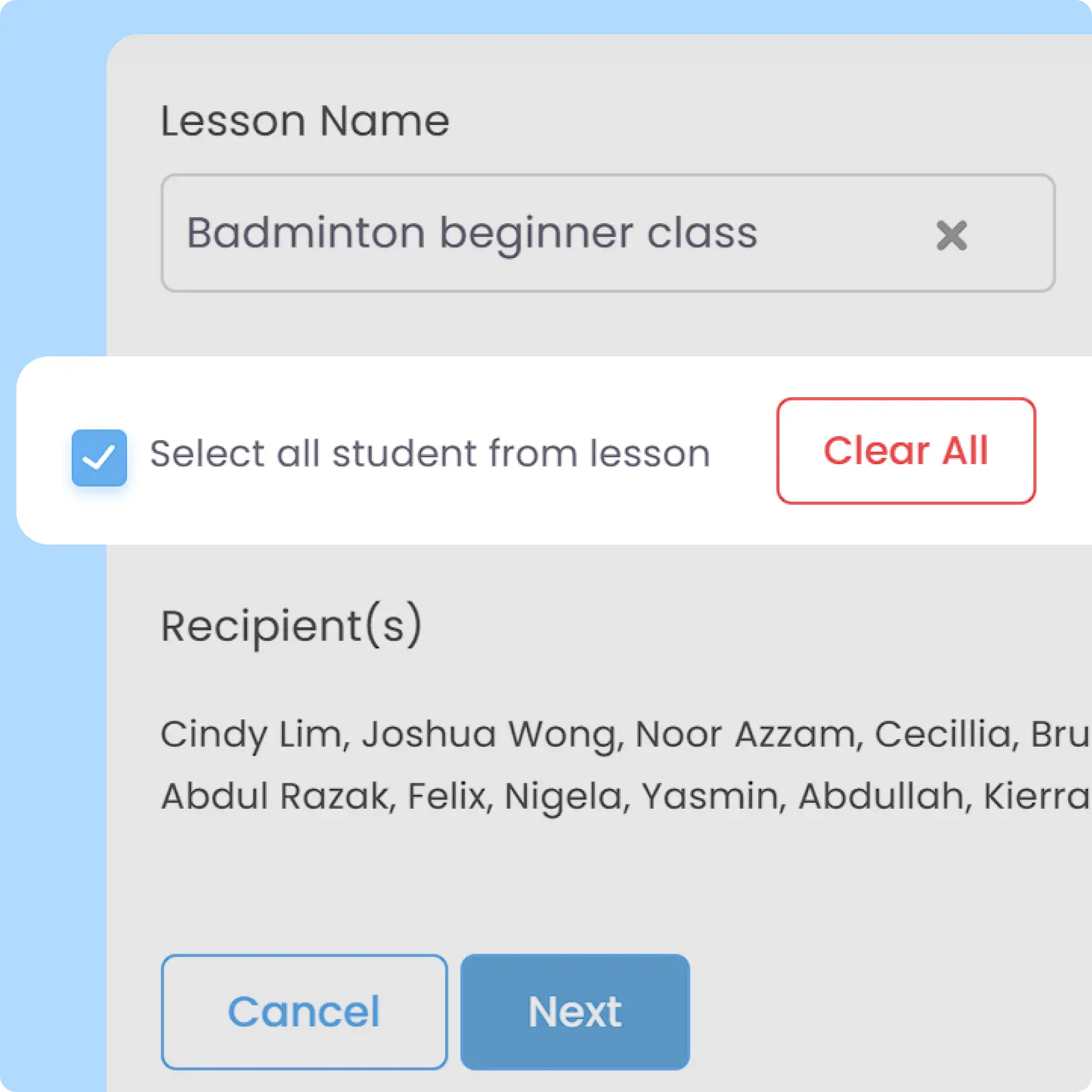
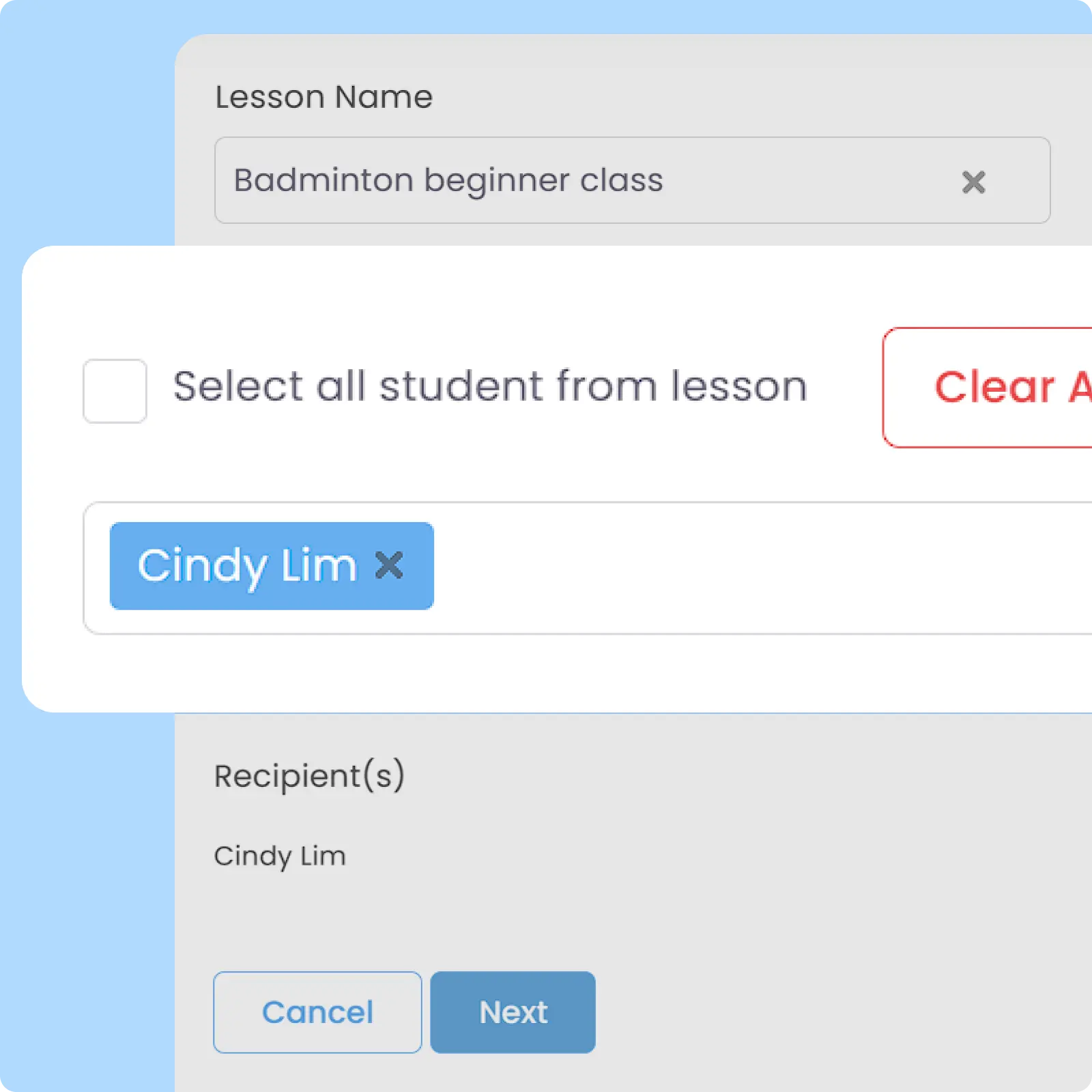
Student progress notifications can be delivered to all or selected parents simultaneously based on lessons. Simplifies operational communication and saves hours of admin work for shared lesson activities and updates.

Personalized Student Progress

Personalize Progress Reports for Every Student

Create and send individualized student progress reports with customized content, feedback, and attachments tailored to each student’s development and lesson performance. Inform what matters to each parent regarding their children’s learning milestones.

Why Everyone loves
AOne Student Progress Report

Increased CSAT score from parents

Up to 5x less communication workload

Stronger trust between parents and centre

and 4K+ other learning centres in Asia use AOne

Back then, we needed to order receipt books and there was a lot of paperwork daily, taking up a lot of our time.


After using AOne, it reduced our workload and is also environmental friendly because we no longer need to purchase a receipt book. We can issue receipts, and guardian students can check their invoices and receipts through the app.

Jenny
Founder of Jenzstyle Studio

Keep parents informed of every milestone

Meaningful parent engagement starts with transparency. Let’s explore how AOne helps you keep parents informed without extra admin work.

Frequently Asked Questions

How can teachers create progress reports for their students?

Teachers can create, draft, and send progress reports directly within the system for their assigned lessons and students. Since teachers have access to both web portal and mobile app, they can create the report from either device.

For the sake of convenience, it is advised to create the report directly via mobile app since taking and attaching photos will be far easier.

Click the image to enlarge it

Yes, AOne Student Progress Report supports a workflow where teachers draft reports and Superadmin or Admins can review, make adjustments, and approve the reports to send to parents.

This workflow allows you to ensure consistent communication styles, information accuracy, and what to include or exclude while engaging with parents to avoid miscommunication or misalignment.

Click the image to enlarge it

There is currently no limit on how many student progress reports you can make and store. You can still track past reports that you have sent on the dashboard, using filters such as by Lesson Name, Date Created, and so on.

The same goes for Parents’ accounts. Parents can see progress reports that they have received in past and use filters to look for specific reports about their child.

The past reports will still be stored on your account and you can view what you have sent to them. However, since their account is Archived, you can no longer send a new report to them.

Parents of a student who has left your school can no longer access their account or view the past reports of their students on the system unless downloaded and stored locally on their phones.

Student Progress feature is initially intended to help centres nurture consistent, high-quality relationships with parents by involving them in their children’s learning journeys.

However, some of our clients use this feature to cater to their unique workflows. For example, there are some centres who also send homework alongside the report by attaching PDFs to the message.

This gives more visibility to parents on what their children are learning and makes them more involved in the learning process.

Move faster with AOne features

Billing

Invoices, tracking, reminders, and receipts: Automated

Student Management

All student data, organized and manageable in one place

Teacher Management

All teacher data, organized and manageable in one place

Lesson Management

All your lesson data, organized and manageable in one place

Schedule & Timetable

Clear schedules for every lesson for teachers and students

Finance Management

Track revenue, payment status, and performance in one place

Replacement

Manage teacher and class replacements effortlessly

Student Registration

Simple, digitized registration flow from form to student profile

Attendance

Real-time attendance with real-time parents notifications